Tell customers what a change did for them, in their own numbers
Most release communication says what the vendor did. "We improved delivery estimates." "Reports load faster." "We fixed a sync issue." Every sentence is true, and none of them tells a customer whether anything changed for them. The reader has to translate a general claim into their own situation, and most readers don't bother.
Compare that with a message that starts from the customer's side:
Illustrative example: "Since Tuesday's update, your delivery estimates are 3 hours more accurate on average, across 412 of your shipments."
That sentence names their data, a count they can check and a result they care about. A VP of Operations can paste it into a weekly update to their own boss. Nobody forwards "we improved delivery estimates."
This post covers how to produce numbers like that honestly, when you shouldn't, and what to send instead.
Why account-level numbers get read
A generic release note asks the reader to do work: figure out whether the change applies to them, guess how big the effect is, and decide whether to care. An account-level number has already done that work. It also answers the question a champion gets asked at renewal time, "what did we get from this vendor this year," with something concrete.
There is a second effect. A specific number shows that someone looked at this account in particular. Customers can tell the difference between a broadcast and a message written about them, and they treat the two very differently.
Measure on the account's own data
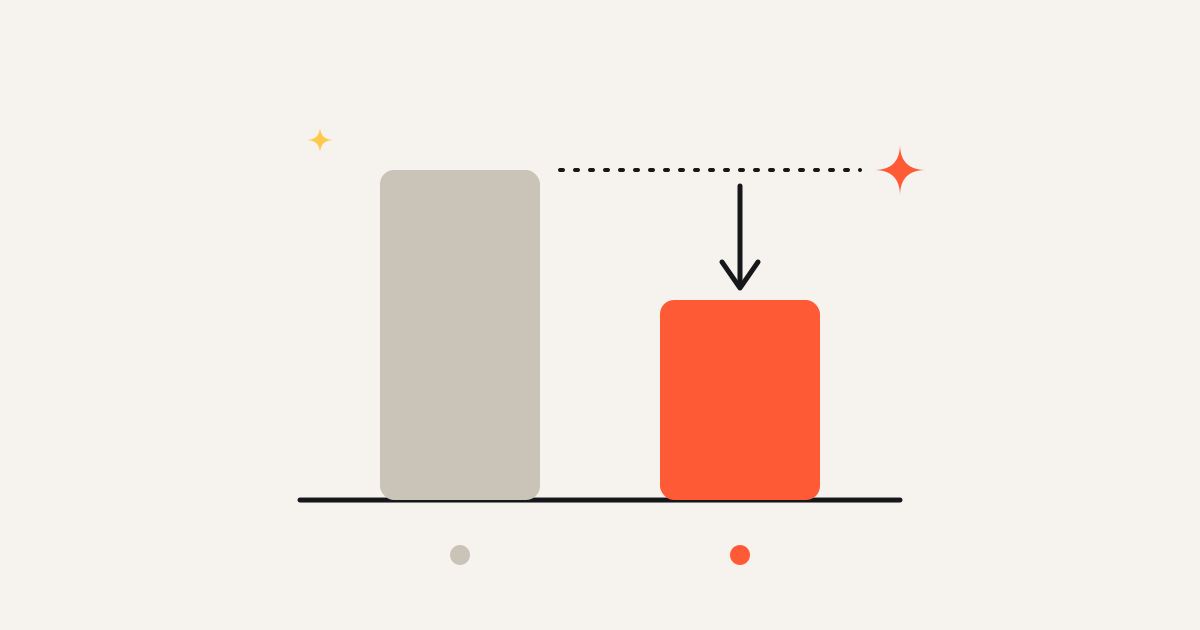
The basic method is a before and after comparison on one account's own records. Pick the metric the change was meant to move, measure it over a window before the deploy, measure it over a window after, and compare. For a fix to delivery estimates, that could be the average gap between predicted and actual arrival on that customer's shipments. For a performance fix, the median load time of the reports that customer actually runs.
Use the customer's data and nobody else's. A fleet-wide average can hide the fact that one account saw no change at all, or got worse. If you tell that account "estimates got 3 hours better," you are now wrong in writing, in front of a customer who can check.
Get enough volume
A before and after difference on a handful of records is mostly noise. If a customer had 9 shipments last week and 11 this week, the average error will move by hours for reasons that have nothing to do with your release. Set a minimum count per account before a number is allowed into a message, and state the count in the message itself. "Across 412 of your shipments" does real work: it tells the reader the number isn't built on three data points.
Where you can, look at the spread as well as the average. If the improvement holds for most records, say so. If it comes from a few large outliers, the average is misleading and you should either report the median or not report the number.
Choose the window carefully
The window decides the answer more often than people expect. Three rules help:
- Start the after window at the deploy that reached this account, not at the merge or the announcement. If a rollout was staged, each account has its own start date.
- Make the before and after windows the same length and, where the business is seasonal, the same kind of period. Comparing a quiet holiday week with a busy one tells you about the calendar.
- Keep other releases out of the window. If two changes to the same metric shipped in the same week, you cannot attribute the result to one of them. Either report the combined effect honestly or wait.
Don't claim credit for noise
The common traps are statistical, and they all favor the vendor, which is why they deserve suspicion.
The first is regression toward the mean: an unusually bad period tends to be followed by a more normal one, with or without your help. Fixes often ship right after a bad stretch, because the bad stretch is what got the fix prioritized. The improvement that follows is partly just the bad stretch ending.
The second is outside change. A customer's own process, a carrier, a seasonal shift or a change in what they send you can move the metric in the same week. If you have accounts that didn't receive the change, or a metric the change shouldn't touch, compare against them. That is the idea behind difference in differences: look at how the outcome moved for the accounts that got the change against how it moved for those that didn't, and report only the gap between the two.
A simple discipline catches most of this. Before you look at the after window, write down what you expect the change to do and for which records. If the measured effect shows up somewhere you didn't predict, or is far larger than the mechanism could explain, treat it as a question before it becomes a claim. And if the number went the wrong way for an account, don't send that account a message pretending otherwise. Send nothing, or tell the truth and say what you're doing about it.
When you can't measure
Plenty of useful changes have no clean metric. A redesigned settings page, a clearer label, a new export format, a keyboard shortcut. You could invent a proxy, such as clicks or time on page, but proxies for UI changes rarely say what you'd like them to say, and a weak number is worse than none.
For these, be specific about relevance instead of impact. Tell the account why this change is for them, using facts you already have:
- "Your team exports the carrier report about 40 times a month, so the new CSV option should save a few steps each time." (Illustrative example.)
- "You asked about bulk editing in your March call. It shipped this week, and here's where to find it."
- "Three of your users hit the old date filter limit last month. That limit is gone."
Each of those is checkable and tied to the account, and none claims an outcome you haven't measured. Usage facts and past requests are often more persuasive than an impact number anyway, because they show you were paying attention before the release, not only after.
Keep a person in the loop
Account-level numbers go to people who know their own data well. A rep or CSM who knows the account should read every message before it goes out. They will catch the cases the method can't: an account that just changed how it uses the product, a number that is technically correct but lands badly in the middle of a support escalation, a contact who left last month. The measurement makes the message specific, and the person makes sure it's right to send.
A short checklist
- Is the number measured on this account's own data?
- Is the record count high enough, and is it stated in the message?
- Does the after window start at this account's deploy, with a comparable before window?
- Could another release, a seasonal swing or a bad prior week explain the change?
- Did the result go in the direction you predicted, by a plausible amount?
- If you can't measure, are you stating relevance instead of inventing impact?
If every answer is yes, the number is worth sending, and the customer is likely to repeat it to someone else.
Cheerblast measures what each change did in each account's own data and drafts the message for the rep to approve.