Why your release notes don't reach the people who need them
Most software companies publish release notes with real care. A product manager collects the merged work, an editor tightens the wording, someone adds screenshots, and the post goes up on the changelog page and out in the monthly product newsletter. Then the account manager for one of your largest customers gets on a renewal call and hears that the customer is still waiting for a feature that shipped four months ago.
That gap is common, and it is rarely caused by bad writing. The notes were accurate and clear. They just never reached the person on the customer side who cared about that one change.
The broadcast format
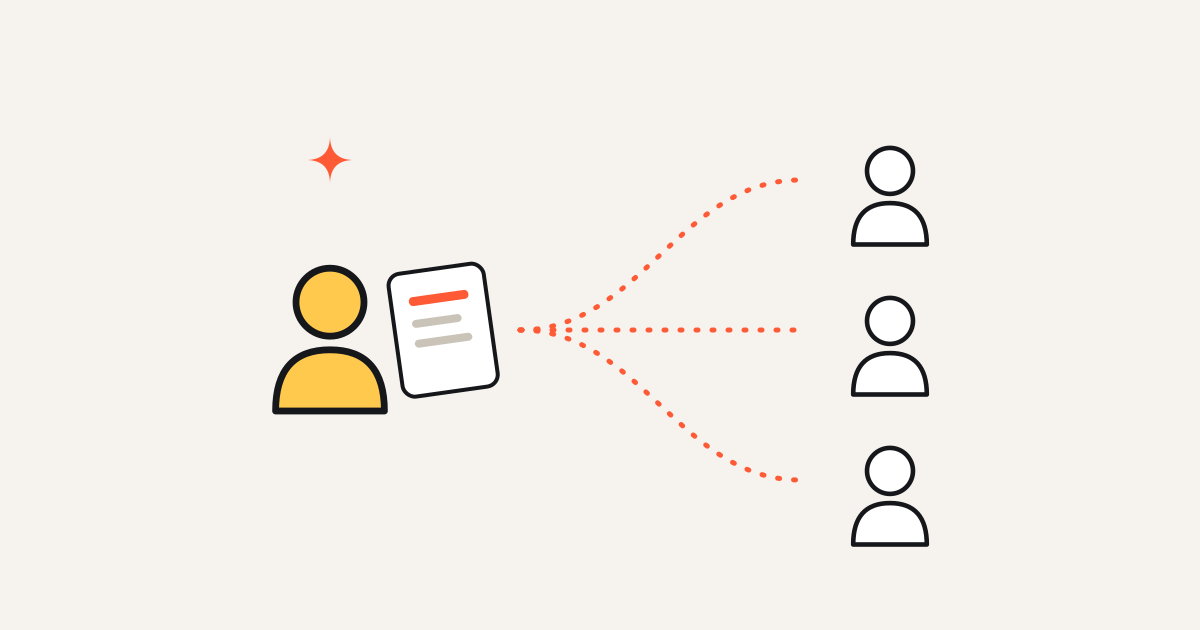
A changelog is a broadcast. One post goes to everyone: every customer, every prospect, every user role, every plan. That shape has a few consequences that no amount of editing fixes.
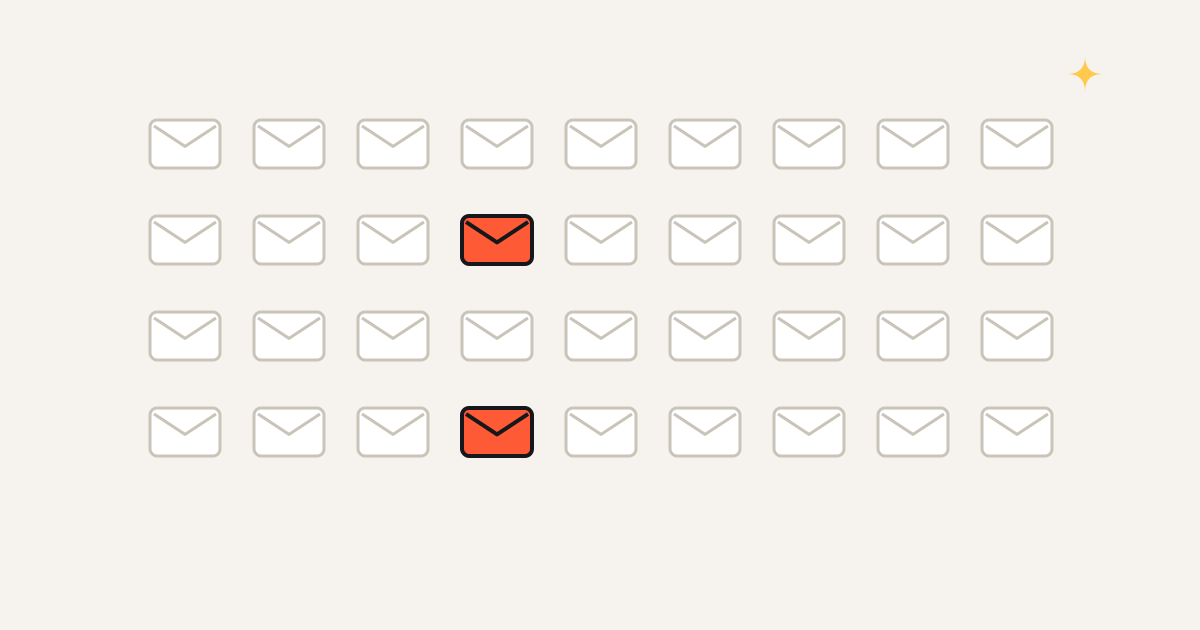
- Every reader gets every item: A release that contains twelve changes asks each reader to scan twelve changes to find the one or two that apply to them. Most readers stop well before that.
- It is written in the product team's vocabulary: Items are named after the feature, the module or the ticket, because that is how the team thinks about the work. The customer thinks in terms of their own workflow and their own problem. "Improved batch processing for the scheduler" and "your nightly import no longer times out" can describe the same change, and only one of them gets noticed by the person whose import kept failing.
- It arrives from nobody in particular: A newsletter from a no-reply address competes with every other vendor newsletter in the inbox. A message from the CSM who handled last quarter's escalation does not.
- It relies on the reader coming to you: A changelog page waits for visitors. The people who visit it regularly are usually power users and your own staff, which is a small slice of the people whose renewal depends on knowing what you built.
The people who write release notes are aware of this. A Hacker News thread from late last year, "Ask HN: How do you handle release notes for multiple audiences?", asked whether teams write one set of notes or rewrite them for developers, end users and stakeholders. The answers range widely. Some teams keep a single version, some keep separate internal and external notes, some build a layered funnel from a raw changelog to website notes to social posts, and some argue the effort is not worth it at all. One commenter summed up the last position bluntly: "Hardly anyone reads them." Another pointed out that most stakeholders only need to hear about major milestones.
Almost every answer in that thread is about how to write the notes. Very few are about how a specific change gets to the specific person it affects.
Distribution is the actual problem
Better writing helps the people who already read release notes. It does very little for the people who don't, and those are the people a CRO or VP of Customer Success worries about: the economic buyer who signs the renewal, the team lead who filed the feature request two years ago, the admin whose support ticket just got fixed.
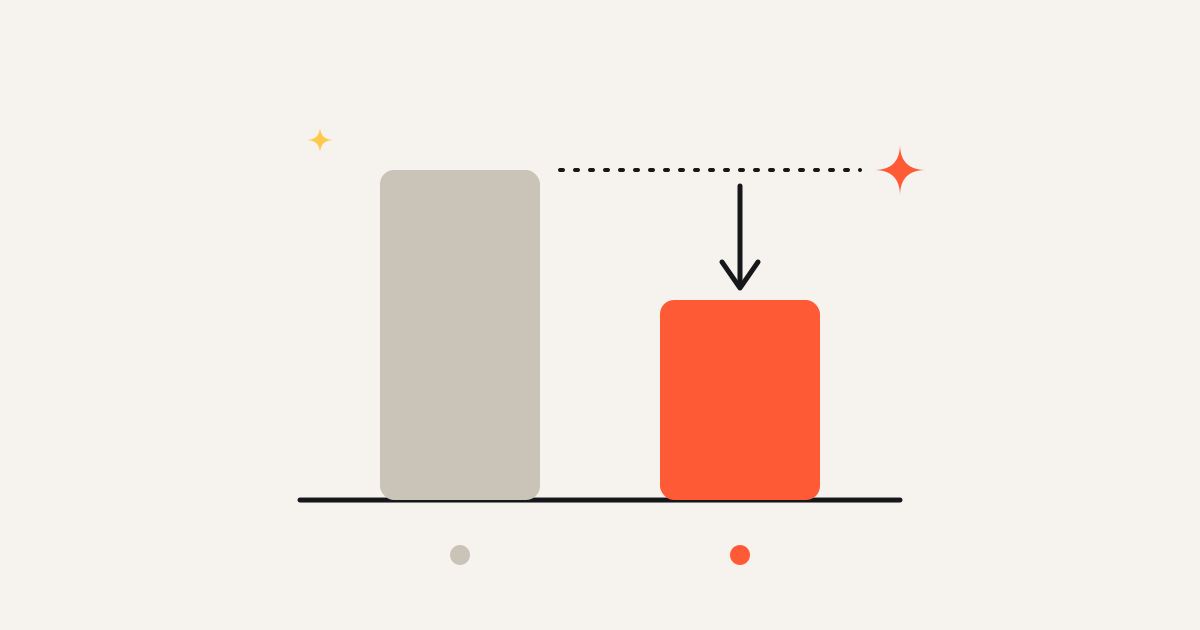
There is a cost to this beyond awkward renewal calls. Pendo's 2019 Feature Adoption Report, based on 615 Pendo subscriptions, found that 80 percent of features in the average software product are rarely or never used. There are many reasons a feature goes unused, but one of the simplest is that the people who would use it never found out it existed.
Customers renew on what they know and remember. If the work your product team shipped this year does not make it into the customer's memory, it does not count at renewal, however good it is.
The pattern that works is the opposite of a broadcast on each of the points above.
Targeted to the account
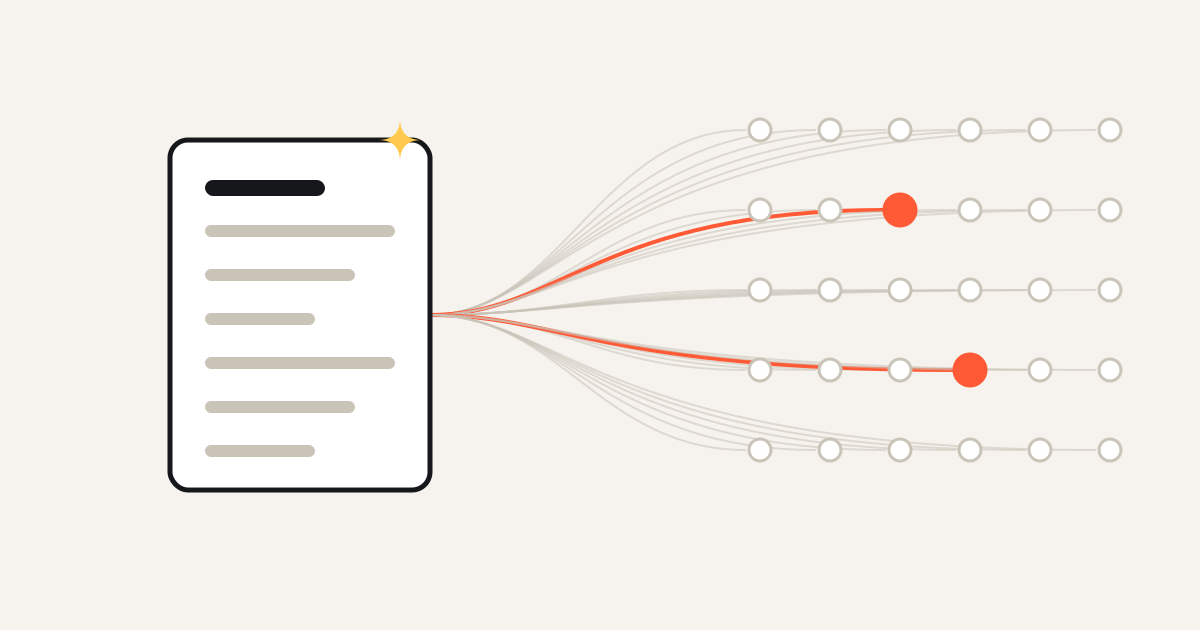
Start from the change and ask which accounts it matters to. Usually that is a small list: the customers who asked for it, the ones on the plan that includes it, the ones whose usage data shows they run into the problem it solves, the prospects in an open deal who raised it as a gap. Everyone else does not need to hear about it this week.
Written in the customer's terms
Describe what changed for them, in their workflow. If you can measure it in their own data, say so. As an illustration, compare "We improved forecast accuracy" with "Your delivery estimates are now about three hours closer to actual across the last 412 shipments." The second version is specific to the account, and it is much harder to forget.
From a person they know
The message should come from the account's own rep or CSM, in a channel the customer already uses with them: email, a shared Slack or Teams channel, an in-app note, a short personal video. The relationship is what gets the message opened.
Few, and timed well
Targeting only works if you protect the customer's attention. A sensible rule is a small cap on how many of these messages any one person receives in a week, with one exception: when you fix something a customer reported, tell them right away. A fix to their own ticket is the most welcome message you can send.
Reviewed by the sender
The rep or CSM should read and approve every message before it goes out. They know context the system does not: the account is in a tense escalation, the champion just left, the customer already heard about this on a call. A human check keeps the messages honest and keeps the relationship in the hands of the person who owns it.
Keep the changelog
None of this replaces your changelog. A public, dated record of what shipped is still worth having. Developers and power users rely on it, support links to it, prospects check it to see whether the product is moving, and it gives every targeted message something to point back to for detail. Write it well, keep it complete, and treat it as the record.
Just don't treat it as your distribution plan. The changelog answers "what did we ship?" for anyone who comes looking. Account-level messages answer "what changed for me?" for the people who never will.
A simple test
Pick three changes your team shipped last quarter. For each one, name the accounts it mattered most to, and ask the account owners whether the right person at each of those accounts knows about it. If the answer is mostly "probably not" or "I'm not sure," your release notes are doing their job as a record, and the distribution step is missing.
That missing step is what we call value distribution, and it is the part of the work that Cheerblast handles: it reads what your product team changed, works out which accounts each change matters to, and drafts a short note from the account's own rep for them to approve.
See how it works at cheerblast.com.